
What we know
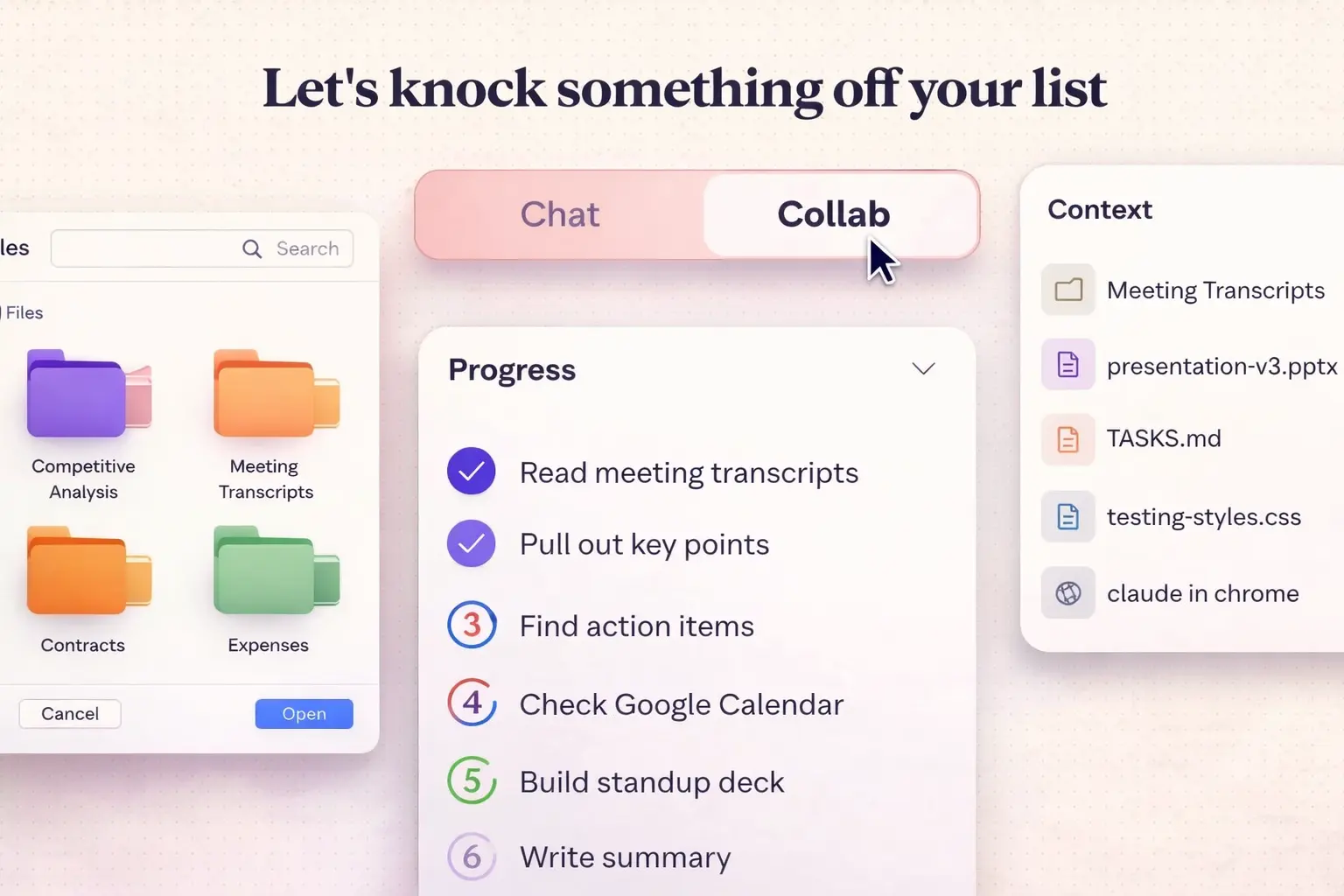
Claude Cowork functions as a “simple way to collaborate with Claude.” After granting access to a specific folder on a computer, the agent can read, edit, or create files at the user’s request. For example, Claude can rename uploaded files for better organization or convert screenshots of receipts into a structured expense table.
The agent can also browse websites and perform actions in a browser (with the Chrome extension installed) and interact with external services such as Canva via Anthropic’s Connectors system. The core idea is to reduce routine work: users can queue multiple tasks without waiting for previous ones to finish, while Claude executes them in parallel.
Anthropic emphasizes that Claude has no access to other parts of the computer beyond the folders explicitly authorized by the user. At the same time, the company warns that the agent may misinterpret instructions and, for instance, accidentally delete an important file. For this reason, users are advised to provide clear and precise commands.
At present, Claude Cowork is available only to Claude Max subscribers on macOS.
In practice, Claude Cowork is a meaningful step toward “hands-on” AI assistance on the desktop: it doesn’t just answer questions, it executes file work that usually eats time.
 ES
ES  EN
EN